LeadSquared CRM Integration
Required Credentials
- Access Key
- Secret Key
- Region (API Host)
Steps to Get Credentials
- Log in to LeadSquared at app.leadsquared.com as an admin user.
- Navigate to: My Account → Settings → API and Webhooks → API Access Keys
- Click Generate Key to create an Access Key and Secret Key. Use the keys of an Admin user to avoid role-based restrictions.
- Note your Host URL shown on the same page — it tells you which Region to select in CallVibe.
Setup
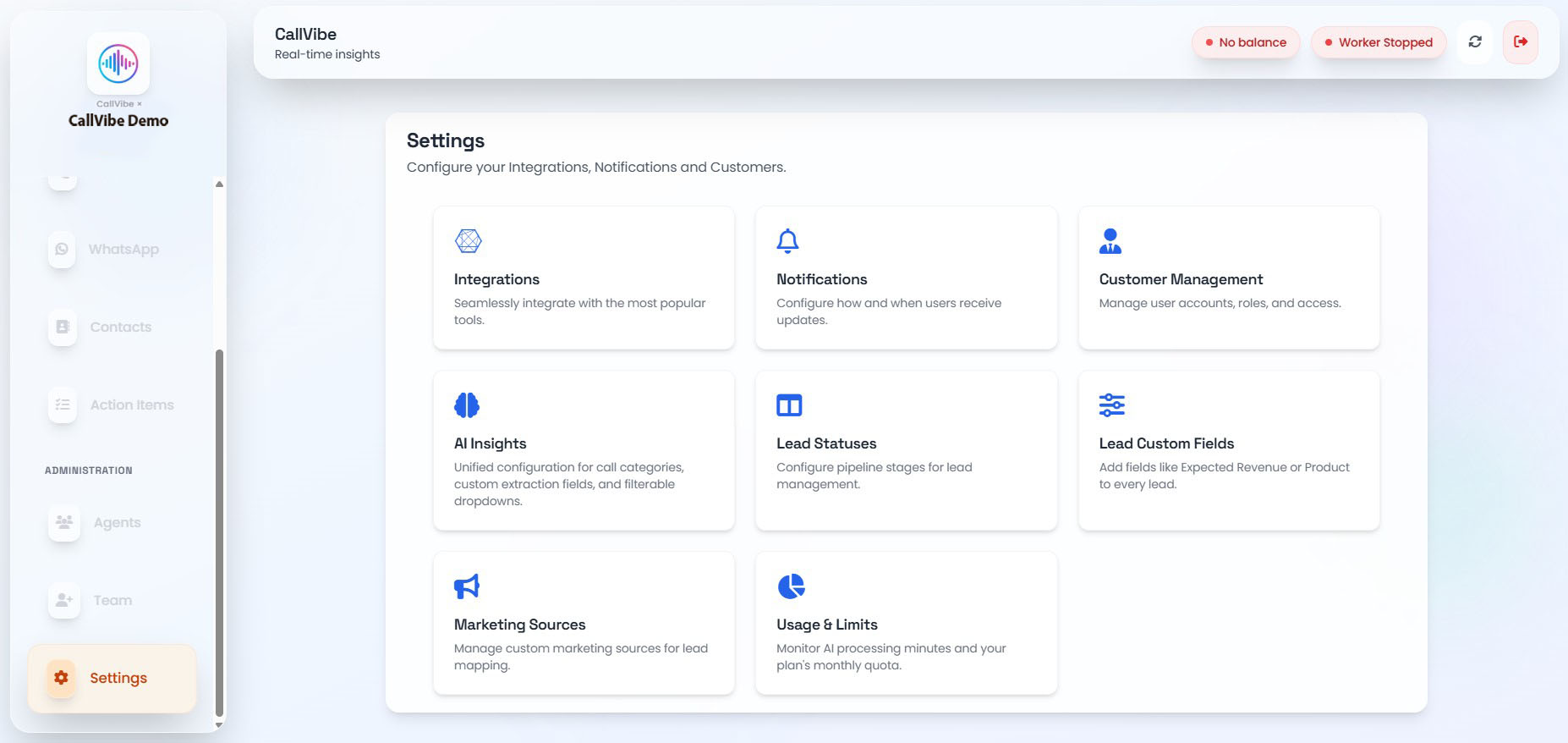
- Open Settings > Integrations.
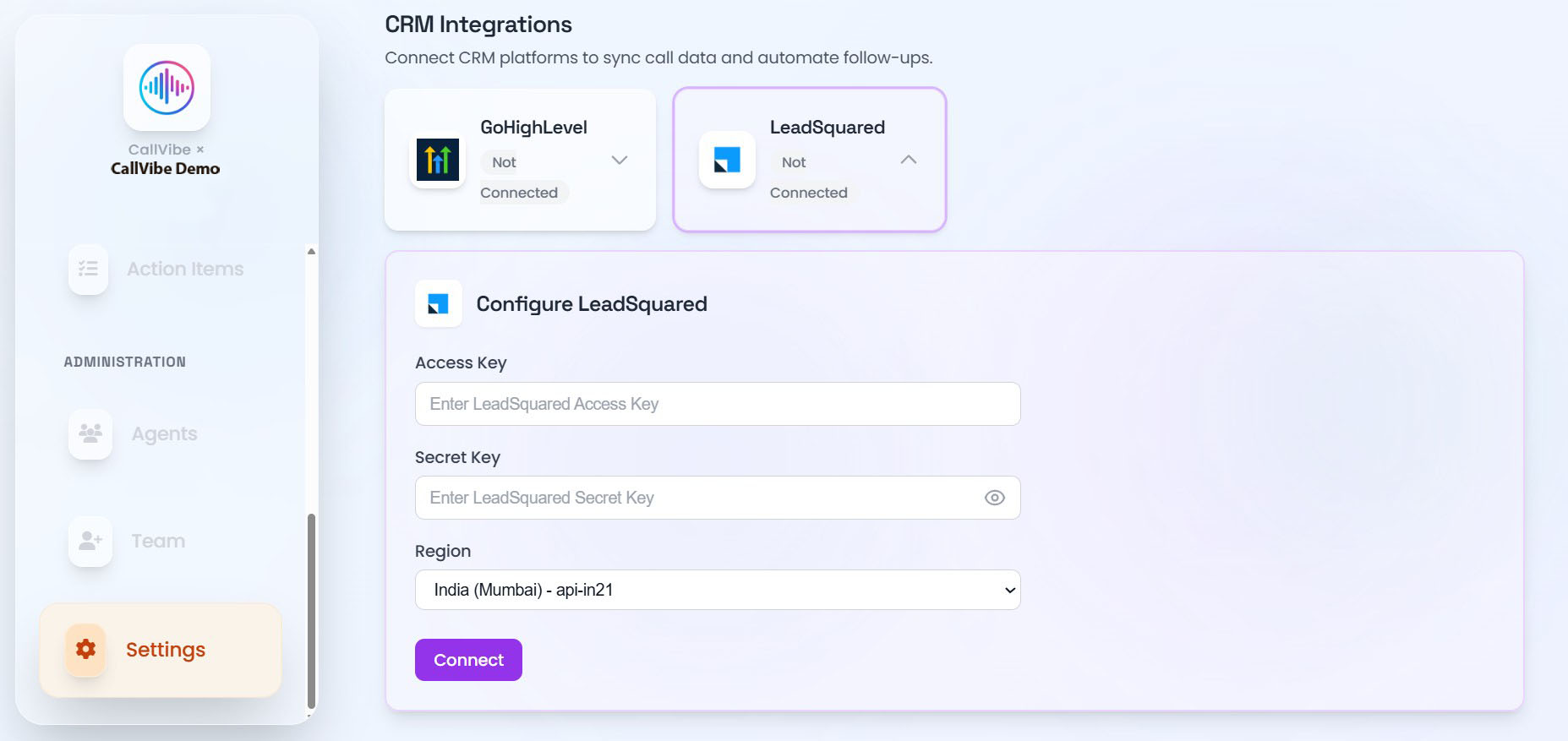
- Select LeadSquared.
- Enter Access Key and Secret Key.
- Select your Region to match your LeadSquared Host URL (India Mumbai, India Hyderabad, Singapore, United States, Ireland, or Canada).
- Click Connect.
- Start worker.
Validation
tip
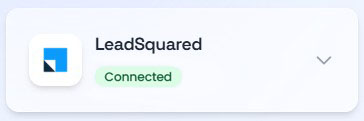
- Card status shows Connected.
- Worker remains running.
- Call ingestion is visible in Calls.