Usage & Limits
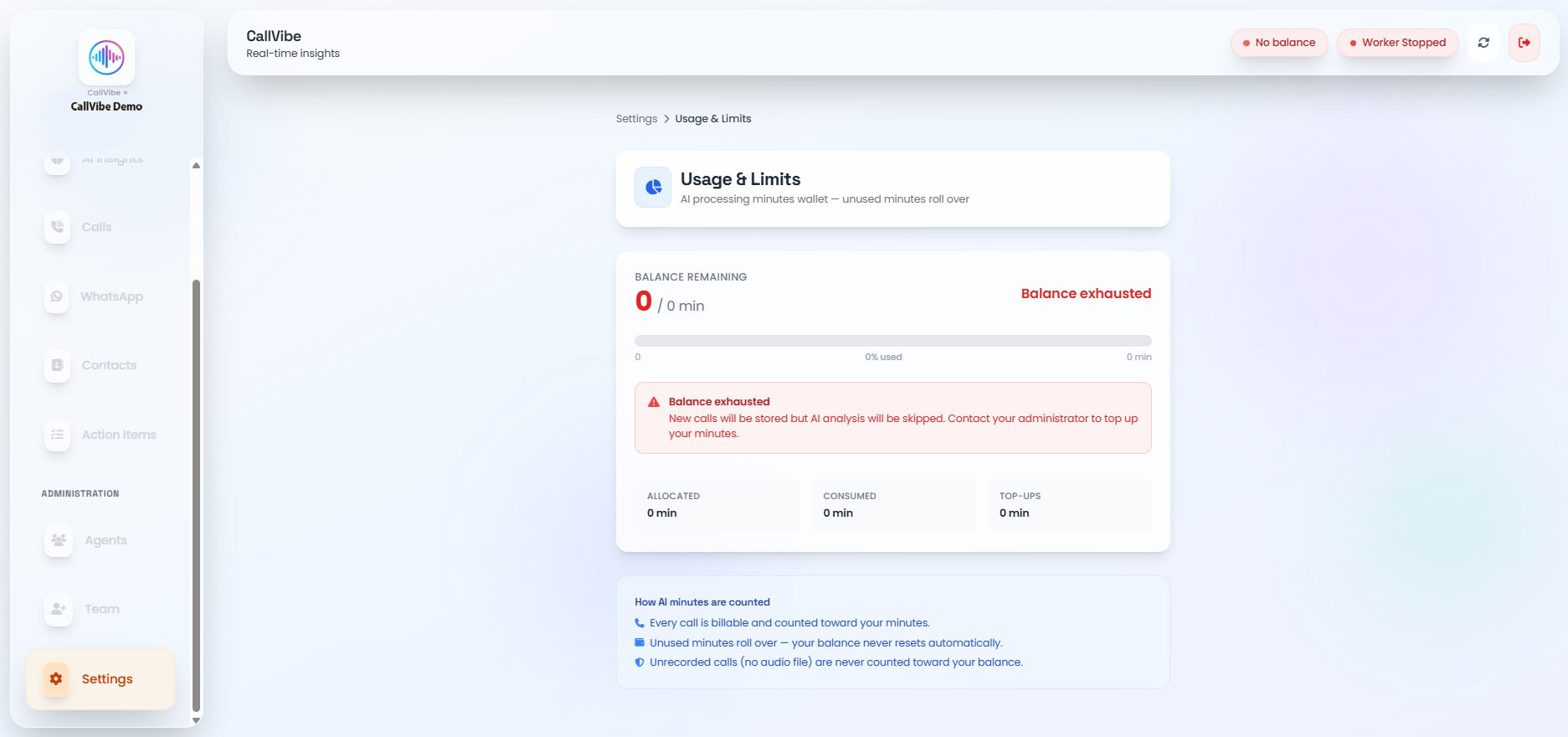
Usage & Limits tracks the AI processing minutes wallet for your tenant. Every call analyzed by the AI consumes minutes from this balance.
Plan Types
- Unlimited Plan: No AI processing limit. All calls and WhatsApp chats are analyzed without restriction. Total minutes consumed all-time is shown for reference.
- Wallet Plan: Fixed balance of minutes. Shows Balance Remaining, Allocated, Consumed, and Top-ups.
Status Banners
- Low balance: Shown once 80% or more of the wallet is used.
- Balance exhausted: Shown when usage goes over the limit. New calls are still stored, but AI analysis is skipped until minutes are topped up.
How AI Minutes Are Counted
- Every call is billable and counted toward your minutes.
- Unused minutes roll over — your balance never resets automatically.
- Unrecorded calls (no audio file) are never counted toward your balance.
View Usage
- Open Settings > Usage & Limits.
- Review Balance Remaining, the usage bar, and the Allocated / Consumed / Top-ups breakdown.
- Contact your administrator to top up minutes when the balance is low or exhausted.