Marketing Sources
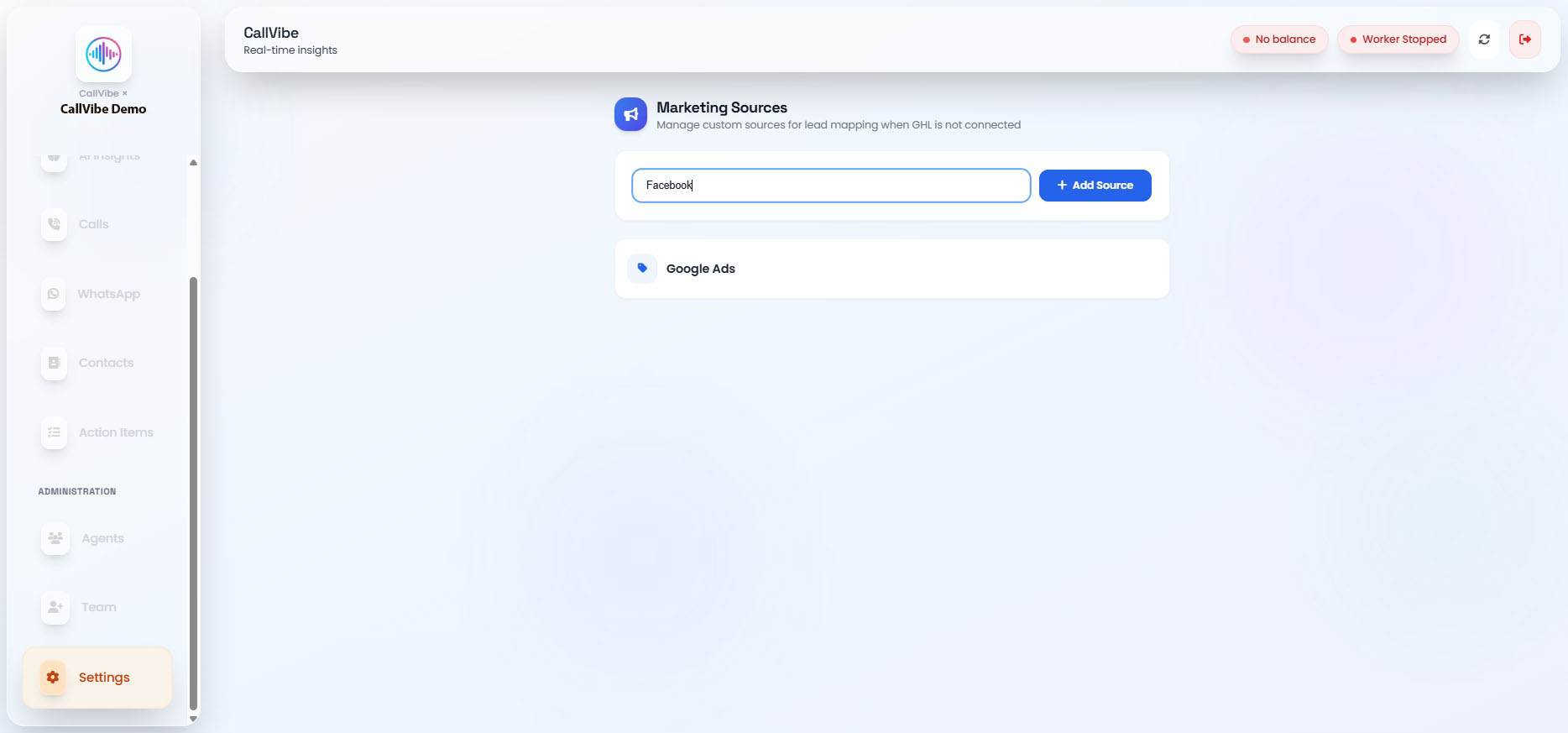
Marketing Sources are custom lead-origin labels used to tag where a lead came from when GHL CRM is not connected (e.g., Google Ads, Facebook, Referral).
When to Use
- Tenant has no GHL integration connected and needs a manual way to track lead origin.
- Sources appear as a dropdown when creating or editing a lead.
Manage Marketing Sources
Add a Source
- Open Settings > Marketing Sources.
- Enter a source name (e.g., "Facebook").
- Click Add Source.
Delete a Source
Hover a source and click the trash icon, then confirm. Existing leads keep their assigned source; the option is removed from the dropdown for new leads.