Team Management
Team & access shows who can sign in and which agents' calls each person sees. Only owners can open it.
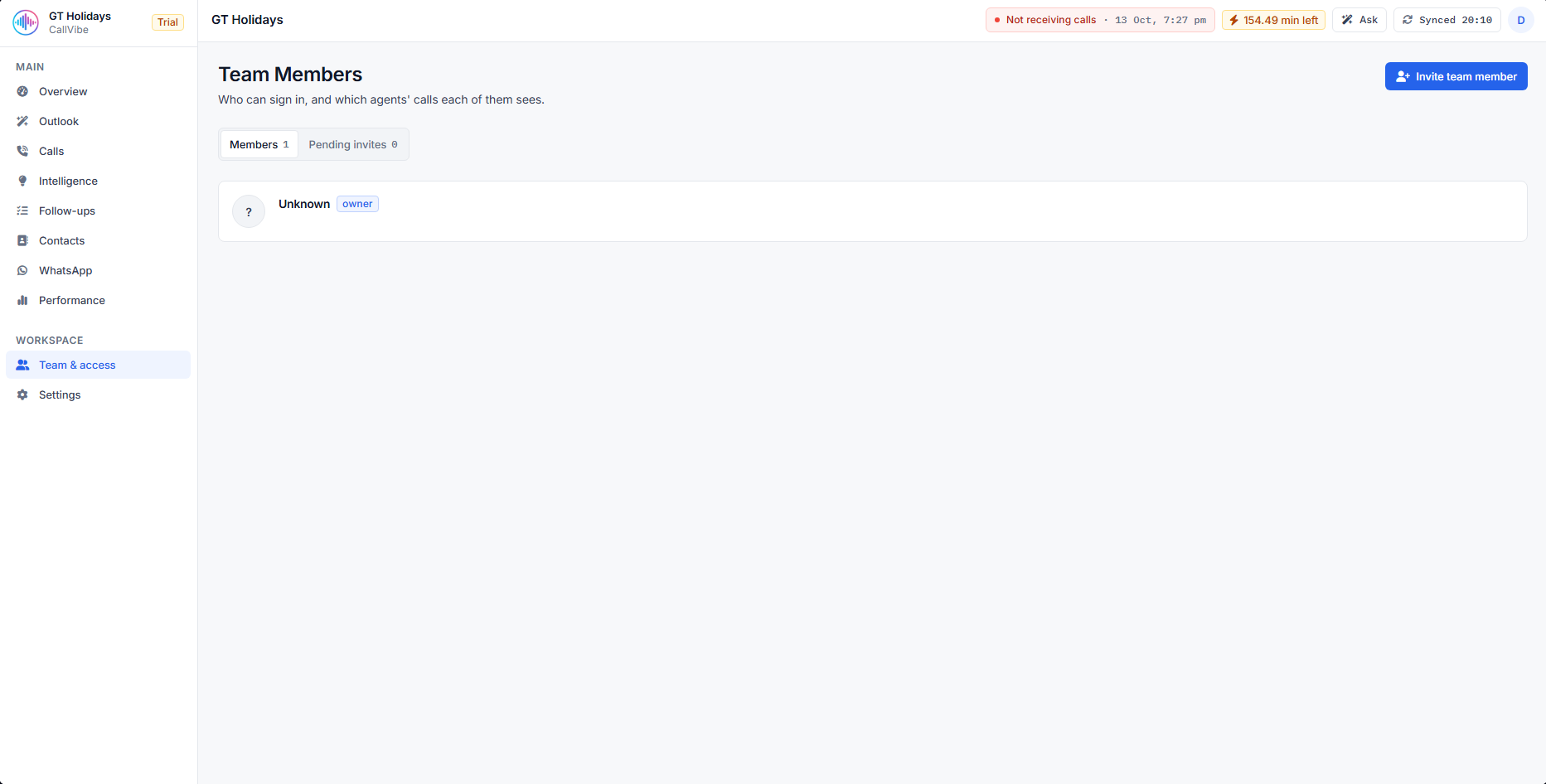
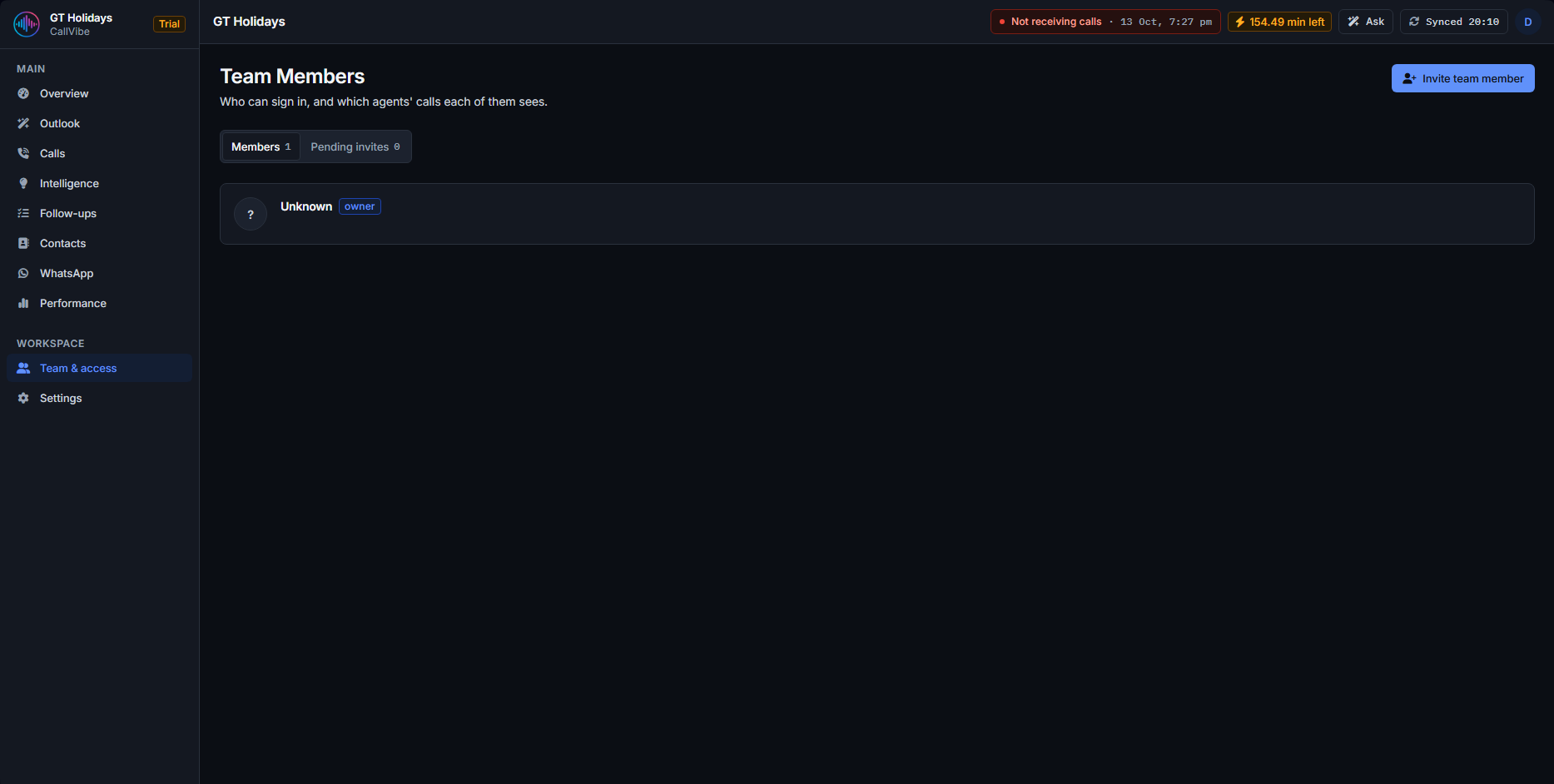
Invite a Team Member
- Open Team & access.
- Click Invite team member.
- Enter the email address and choose a role.
- For the Agent role, map at least one agent name.
- Click Send invitation.
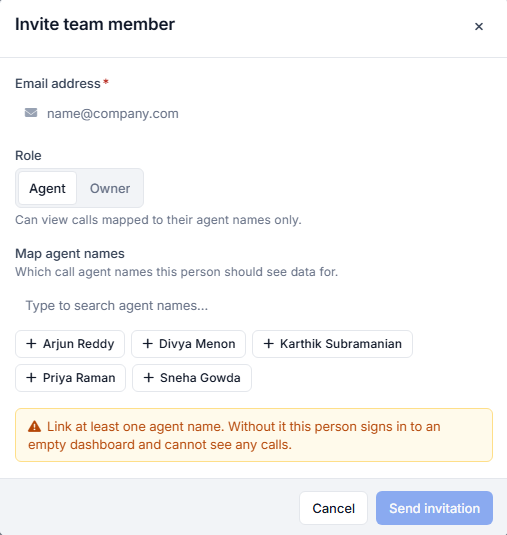
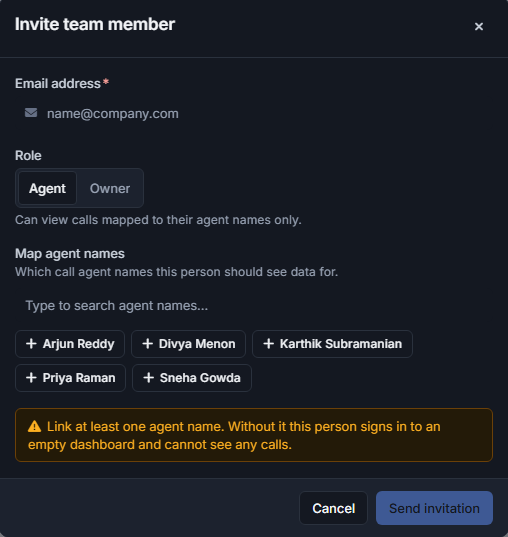
warning
Send Invitation stays disabled until an agent has at least one agent name. An agent with no names signs in to an empty dashboard and cannot see any calls.
Roles
- Owner: Full access to all tenant data and settings.
- Agent: Can view calls mapped to their agent names only.
Manage Existing Members
The page has two tabs, each with a count:
- Members: Everyone with an account.
- Pending invites: People who were invited but haven't joined yet. They show an Invited badge.
For each agent you can:
- Click Edit to add or remove agent names, then save.
- Click the trash icon to remove them. They lose access immediately. Calls already linked to them are not affected.
Owners can't be removed.
Best Practices
- Keep a small owner group.
- Map agent names exactly as they appear in call data.
- If an agent sees no data, check that they have agent names mapped.
- Check Pending invites now and then for people who haven't joined.