Customer Management
Use this section to control how customer numbers are treated in analytics.
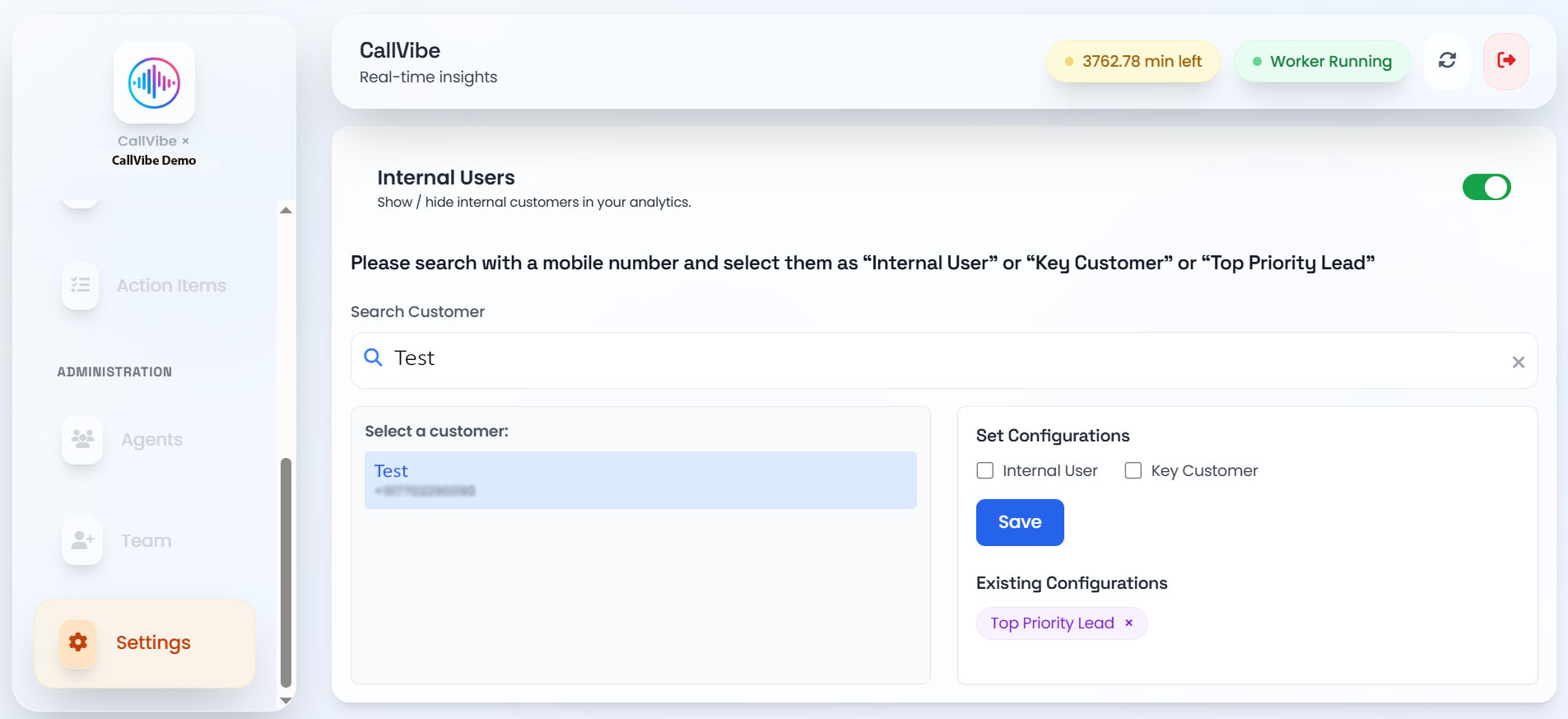
Available Tags
- Internal User
- Key Customer
- Top Priority Lead
How to Configure
- Open Settings > Customer Management.
- Search customer by phone or name.
- Select one or more tags.
- Save configuration.
Internal User Visibility
Use Show or Hide internal customers toggle to control visibility in analytics.
Notes
- Tags can be removed individually.
- Changes apply to tenant-scoped data only.