Integrations Overview
CallVibe supports tenant-scoped vendor integrations with centralized worker orchestration.
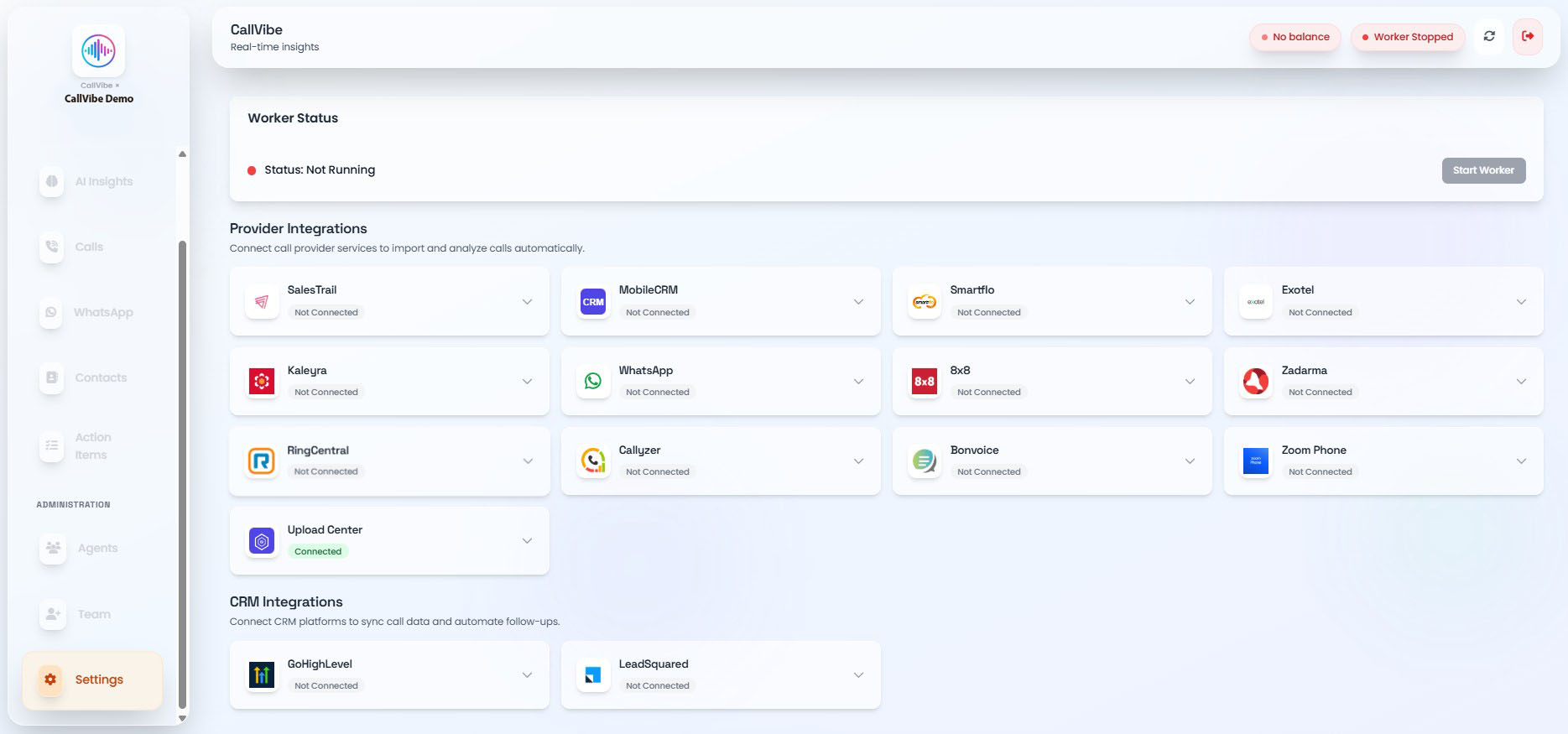
Setup Sequence
- Open Settings > Integrations.
- Add provider credentials.
- Save and verify provider status.
- Start worker.
- Validate calls appear in Calls and Dashboard.
Supported Providers
- SalesTrail: API key
- Smartflo: API key
- Exotel: API key, API token, account SID, region
- Kaleyra: API key
- 8x8: API key, username, password, API secret
- Zadarma: API key, API secret
- RingCentral: Client ID, Client Token, JWT Token
- WhatsApp: webhook URL and message:new events
Supported CRMs
- GHL CRM: Location ID, Private Integration Token
Worker Behavior
info
- Worker starts only when at least one provider is configured.
- Status values include running, starting, stopped, and error.
- Error messages are displayed in the Integrations UI.
Security Notes
warning
- Credentials are stored per tenant.
- Use least-privilege API keys.
- Rotate secrets periodically.
Continue with provider guides in this section.