WhatsApp Webhook Integration
Required Configuration
- Tenant-specific webhook URL
- Subscription to message:new event
Setup
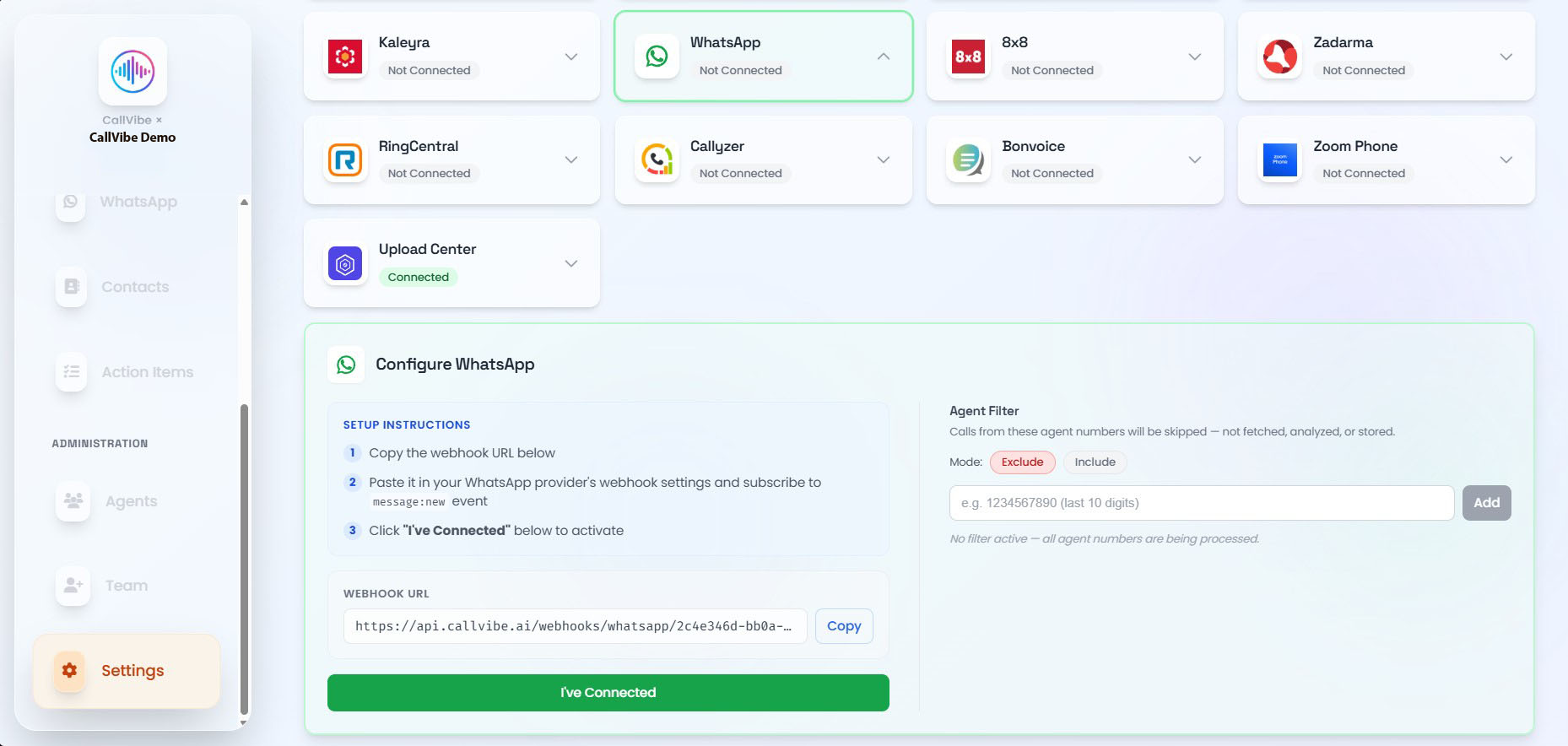
- Open Settings > Integrations > WhatsApp.
- Copy your webhook URL.
- Paste it in your WhatsApp provider webhook configuration.
- Subscribe to message:new.
- Click I have connected.
Validation
tip
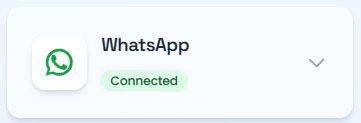
- WhatsApp status changes to Connected.
- Chats load in WhatsApp section.
- New inbound and outbound messages appear.