Settings
Settings is the configuration hub for your tenant. It's a grid of cards, each linking to one area of CallVibe you can configure.
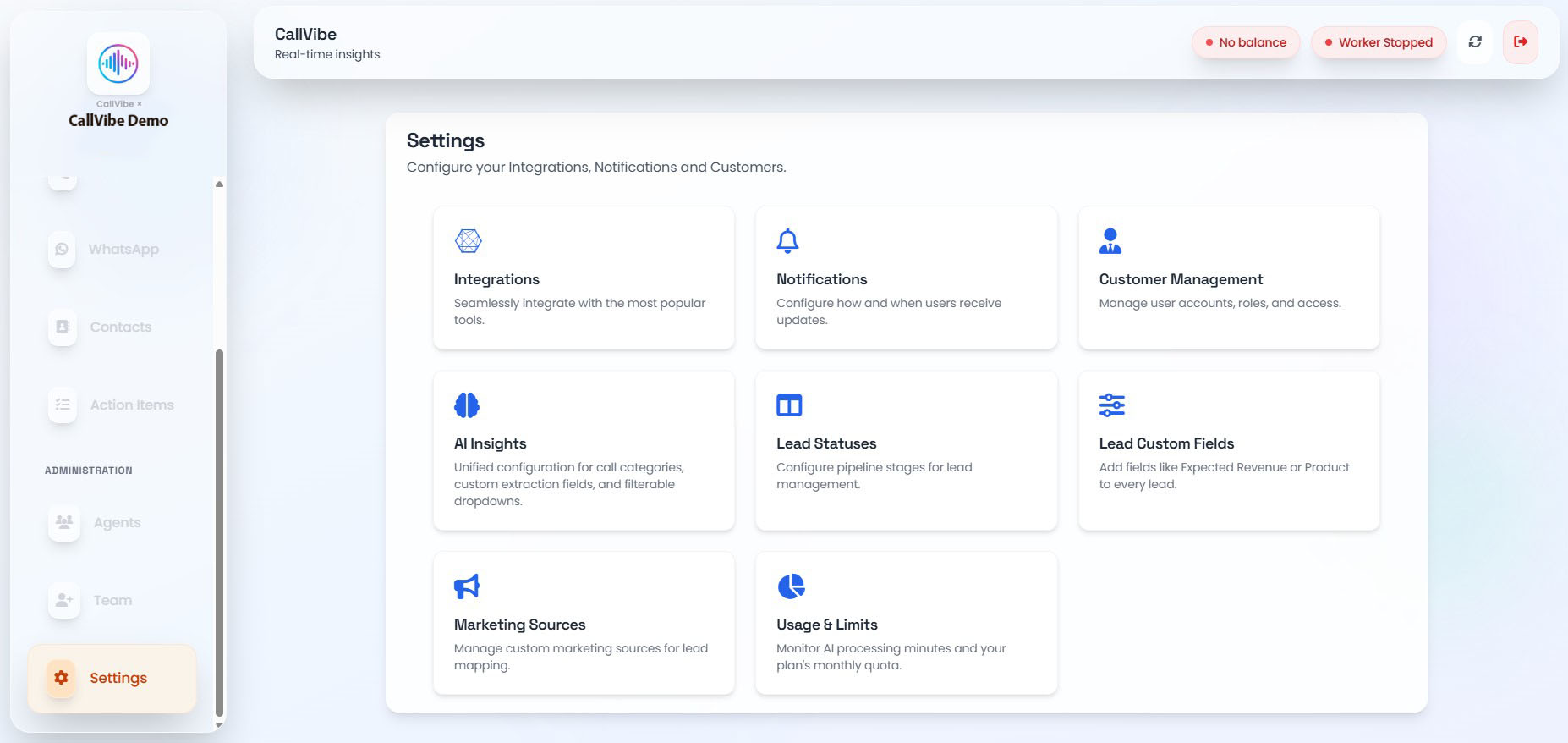
What You Can Access from Settings
- Integrations: Connect telephony providers, WhatsApp, and CRMs (GHL).
- Notifications: Configure Slack alerts and email digests.
- Customer Management: Tag customer numbers and control internal-number visibility in analytics.
- AI Insights: Configure call categories, custom AI extraction fields, and dropdowns.
- Lead Statuses: Define pipeline stages for lead management.
- Lead Custom Fields: Add structured fields (e.g., Expected Revenue, Product) to every lead.
- Marketing Sources: Manage custom lead-source labels for tenants without GHL connected.
- Usage & Limits: Monitor AI processing minutes against your plan's quota.
Open Settings
- Click Settings in the sidebar.
- Click any card to open that section's configuration screen.
Each section is documented on its own page in this guide.