Bonvoice Integration
Required Credentials
- API Token
Steps to Get Credentials
- Log in to your Bonvoice Cloud Telephony Portal at pbx.bonvoice.com as an administrator.
- Navigate to the Developer Settings or API Integrations section from the sidebar.
- Click Generate API Keys (or Add Token).
- Give the token a recognizable name (e.g., "CallVibe Integration").
- Click Generate, then immediately copy the API Key — it will not be shown again once you leave or refresh the page.
Setup
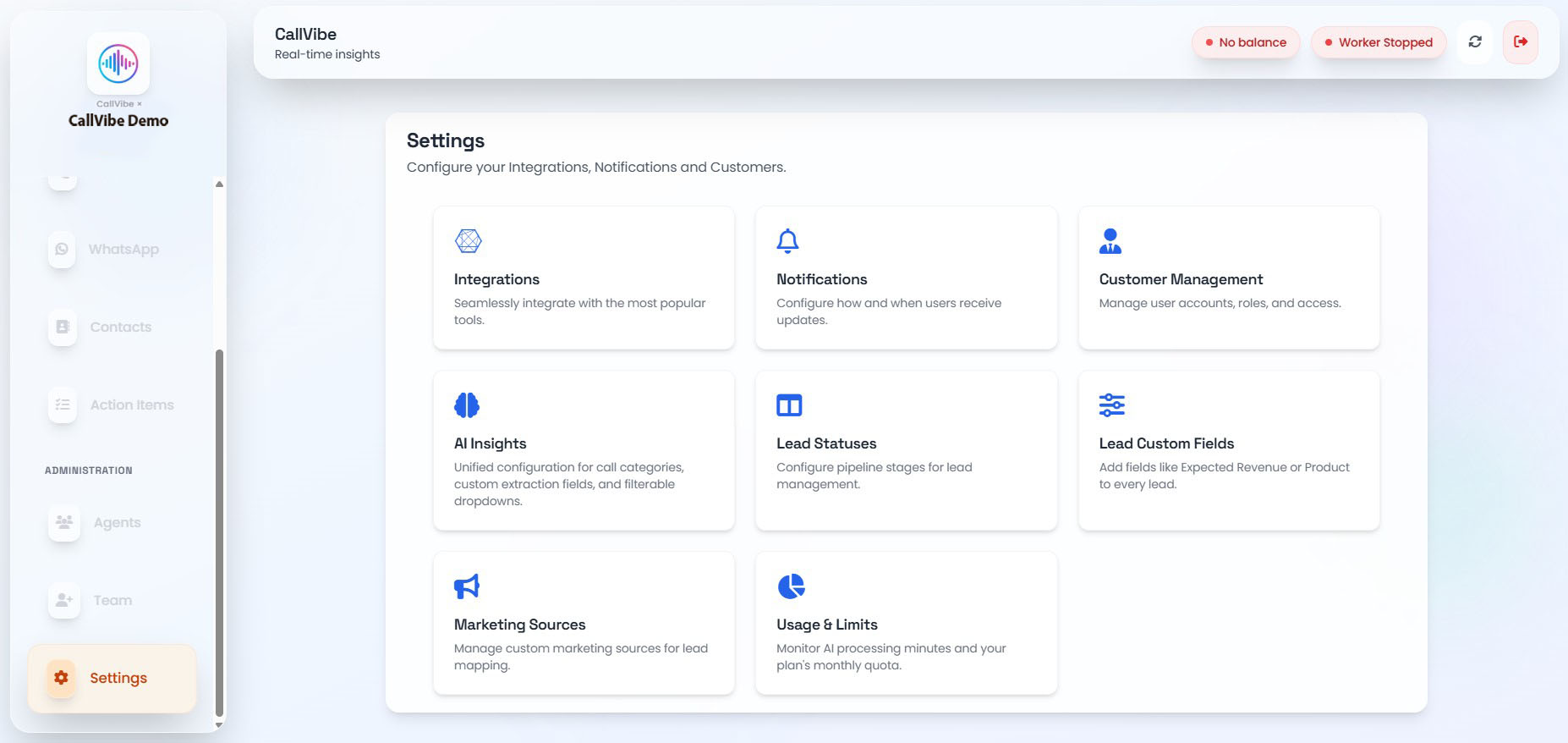
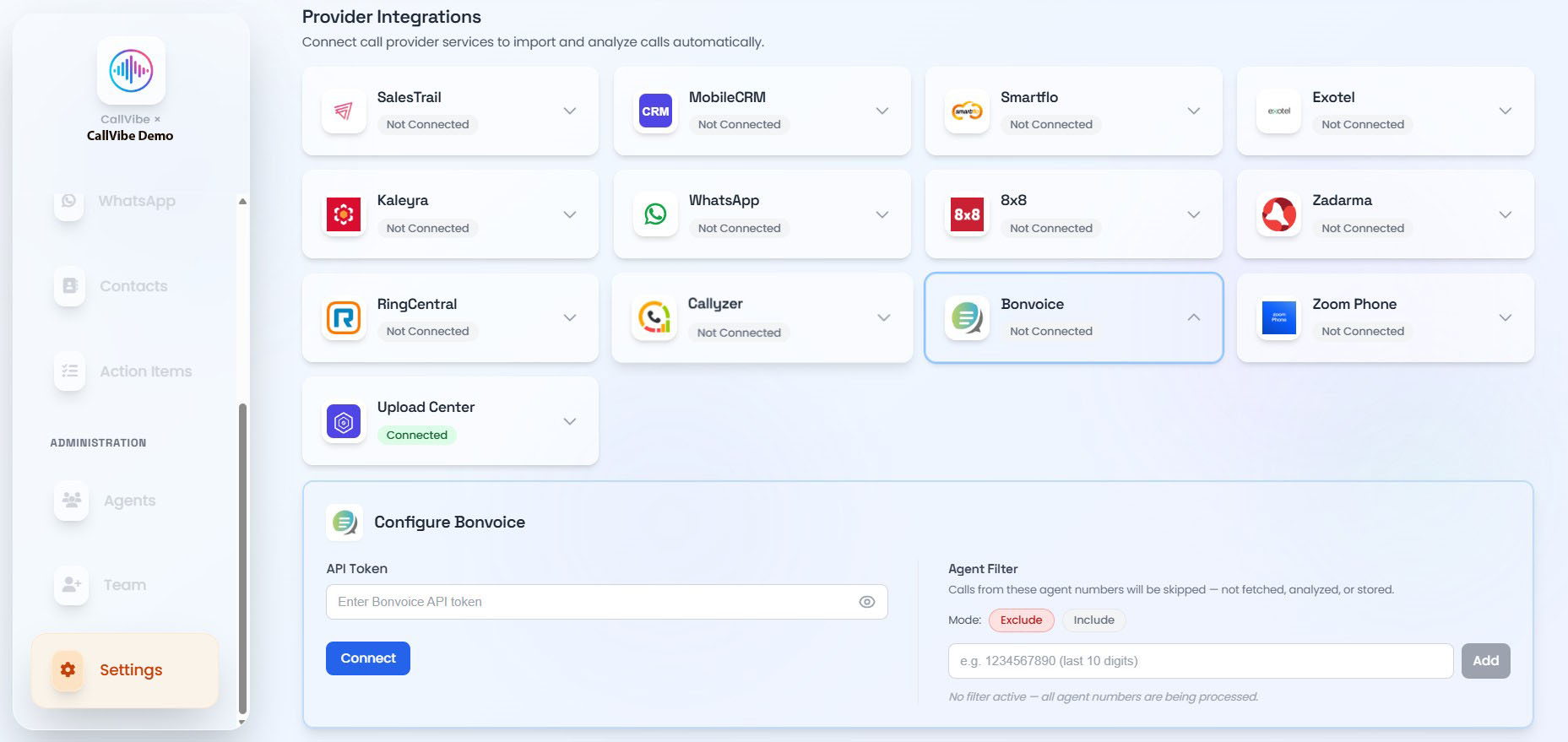
- Open Settings > Integrations.
- Select Bonvoice.
- Enter API Token.
- Click Connect.
- Start worker.
Validation
tip
- Bonvoice status shows Connected.
- Worker remains running.
- Call ingestion is visible in Calls.