Exotel Integration
Required Credentials
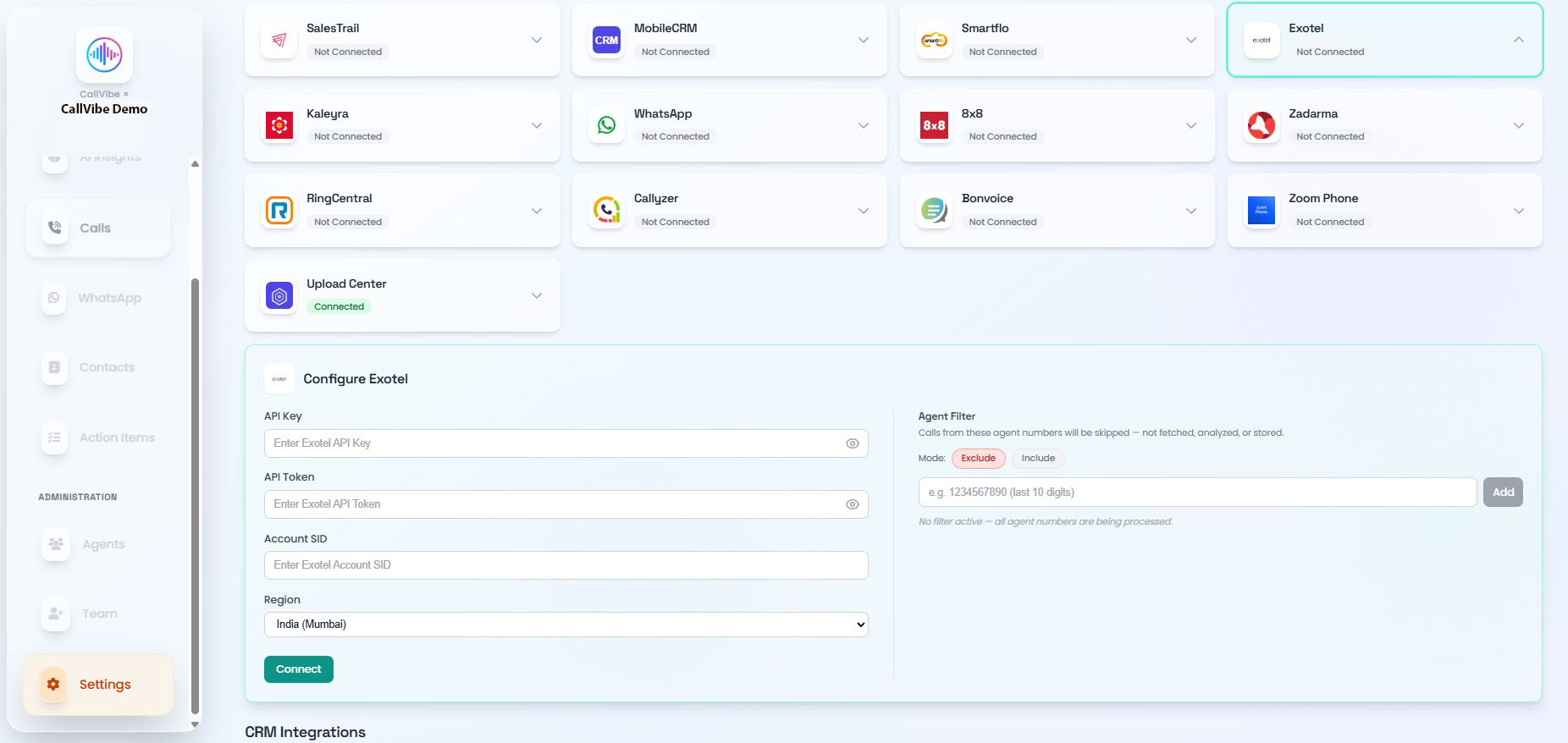
- API key
- API token
- Account SID
- Region
Setup
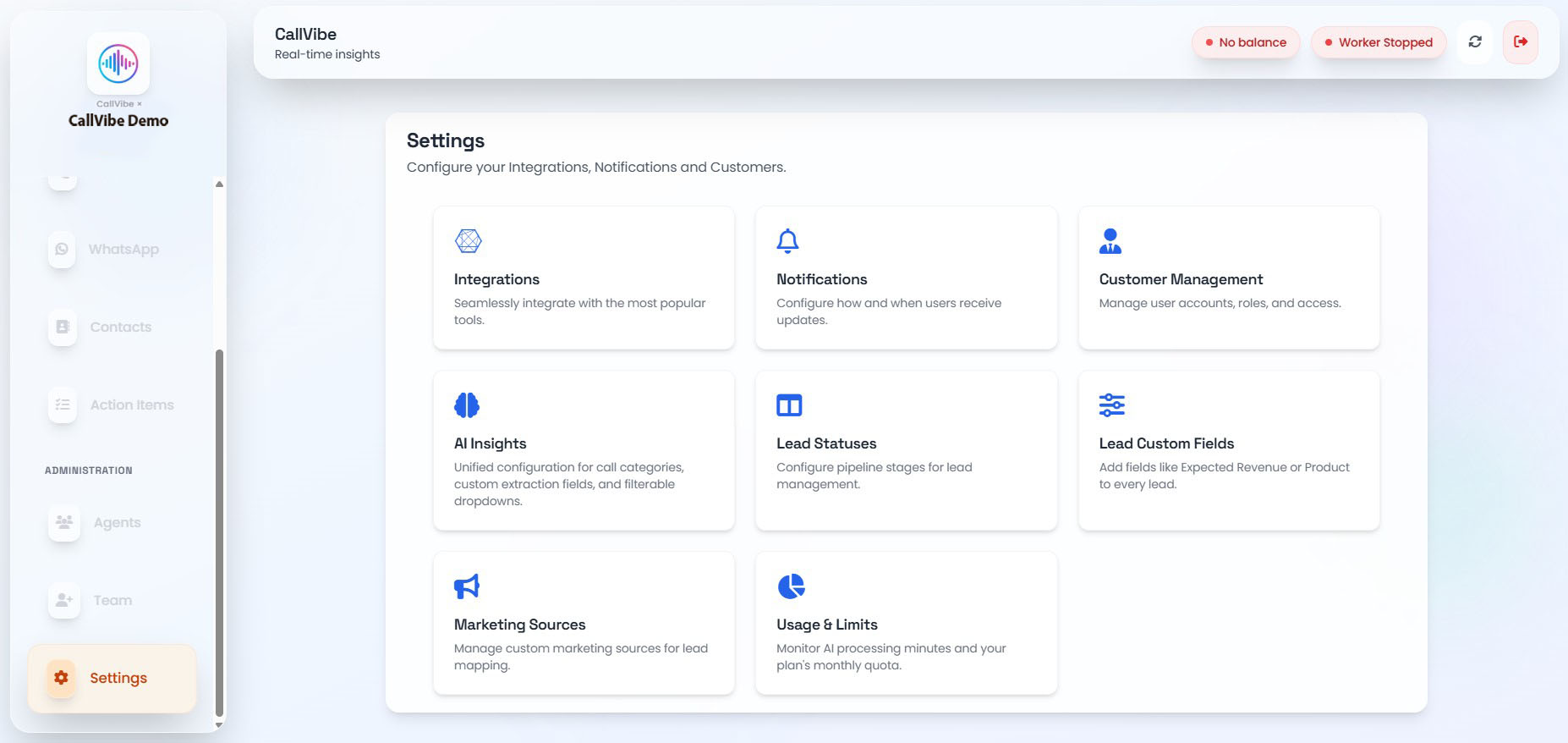
- Open Settings > Integrations.
- Select Exotel.
- Enter API key, token, and account SID.
- Select region.
- Click Connect and then start worker.
Validation
tip
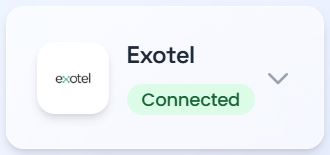
- Exotel card shows Connected.
- Worker does not show Exotel error.
- Calls appear in Calls and Analytics.