Smartflo Integration
Required Credentials
- API key
Steps to Get Credentials
- Log in to Smartflo at cloudphone.tatateleservices.com/login.
- From the left panel, navigate to API Connect → API Tokens.
- Click Generate Token.
- Give the token a name and click Save.
- Copy the generated token.
Setup
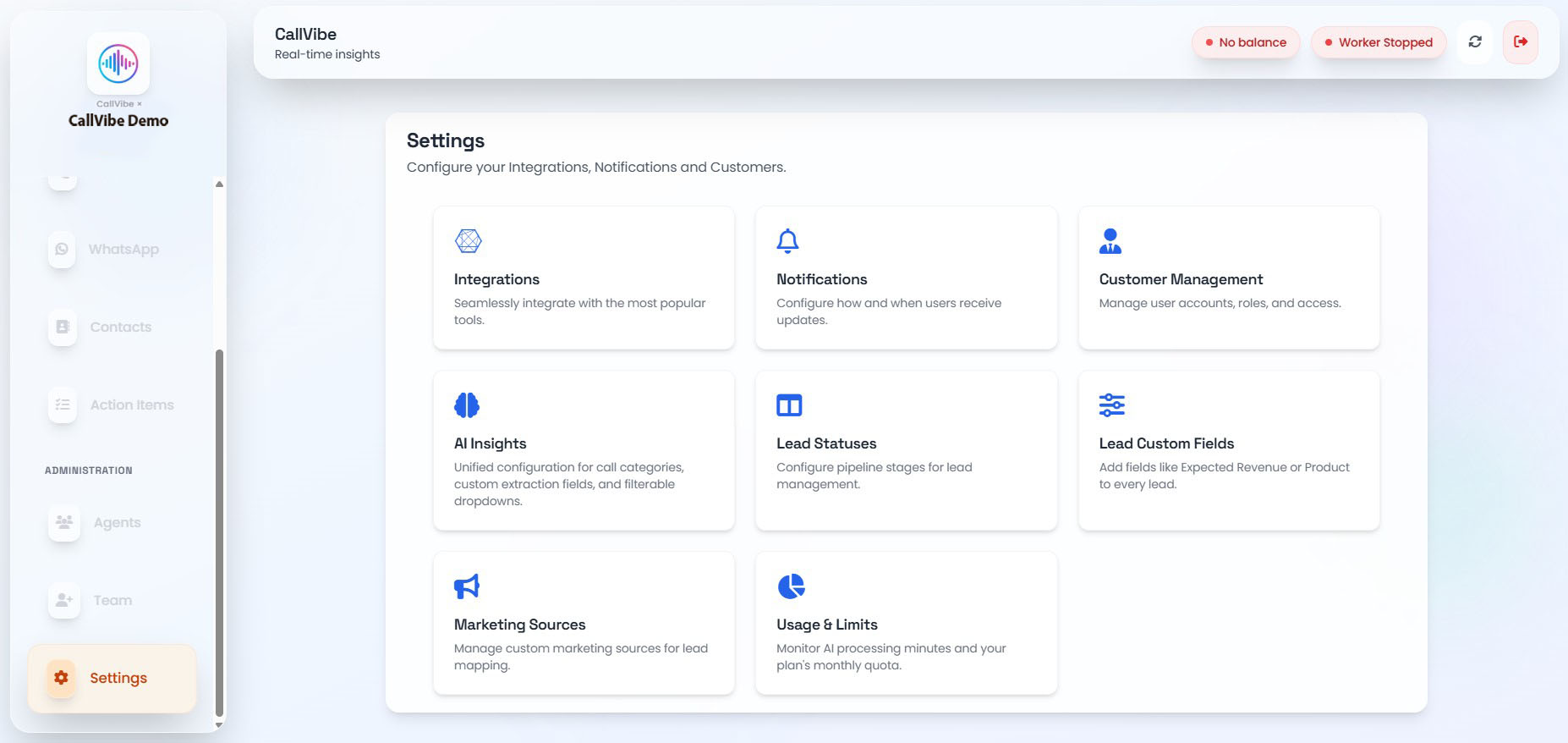
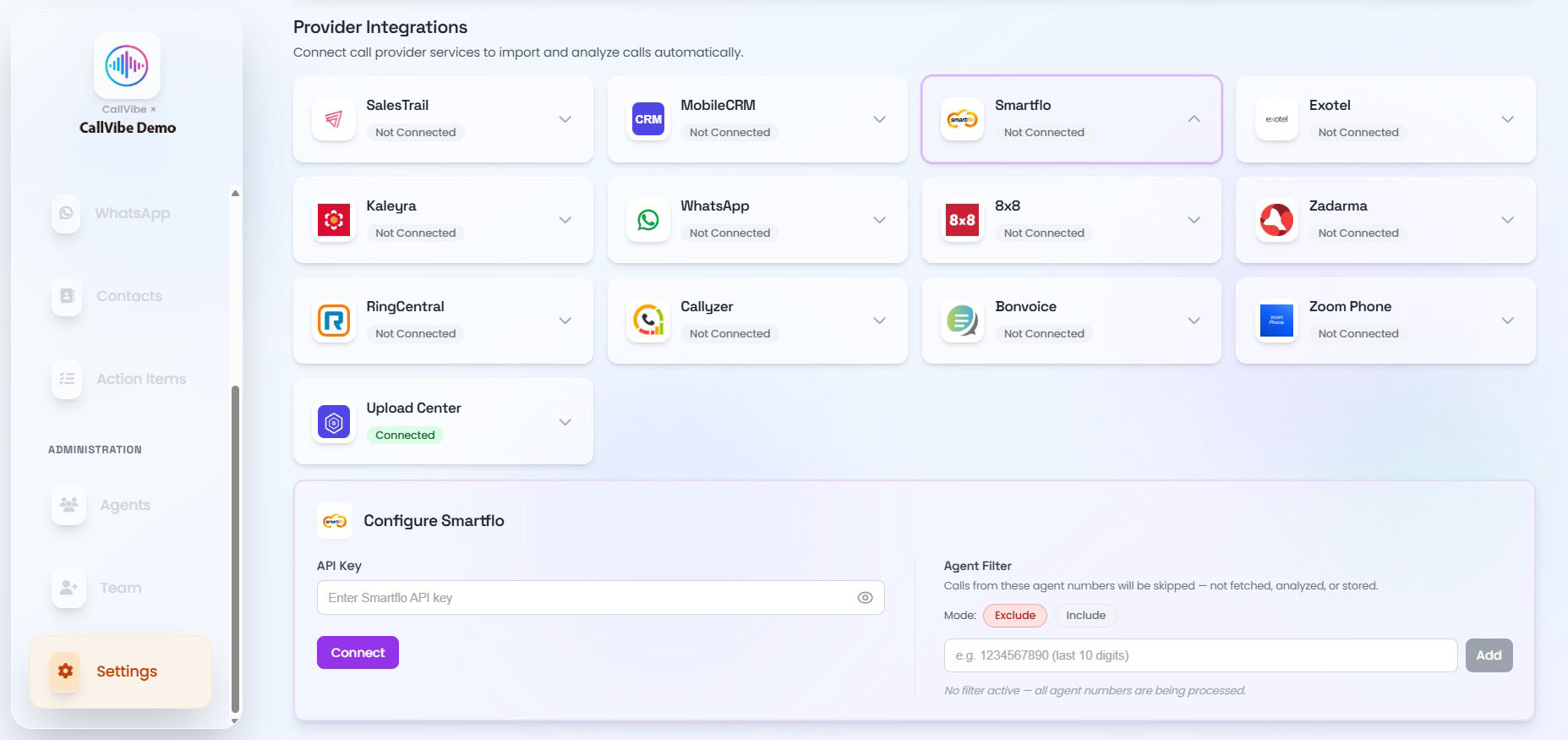
- Open Settings > Integrations.
- Select Smartflo.
- Enter API key.
- Click Connect.
- Start worker.
Validation
tip
- Status changes to Connected.
- Worker remains healthy.
- Recent records are imported.