Zadarma Integration
Required Credentials
- API key
- API secret
Steps to Get Credentials
-
Sign in to your Zadarma admin account at my.zadarma.com.
-
Navigate to the API keys section — from the dashboard, go to: Settings → Integrations and API → Keys and API
-
Send an API access request — on the Keys and API page, click the button to send a request. Zadarma will send an email to your registered email address containing a confirmation link.
-
Open the confirmation link from your email. This will take you to a page where your API key and API secret are displayed. Copy both values and keep them safe — you will need them during the CallVibe integration setup.
Setup
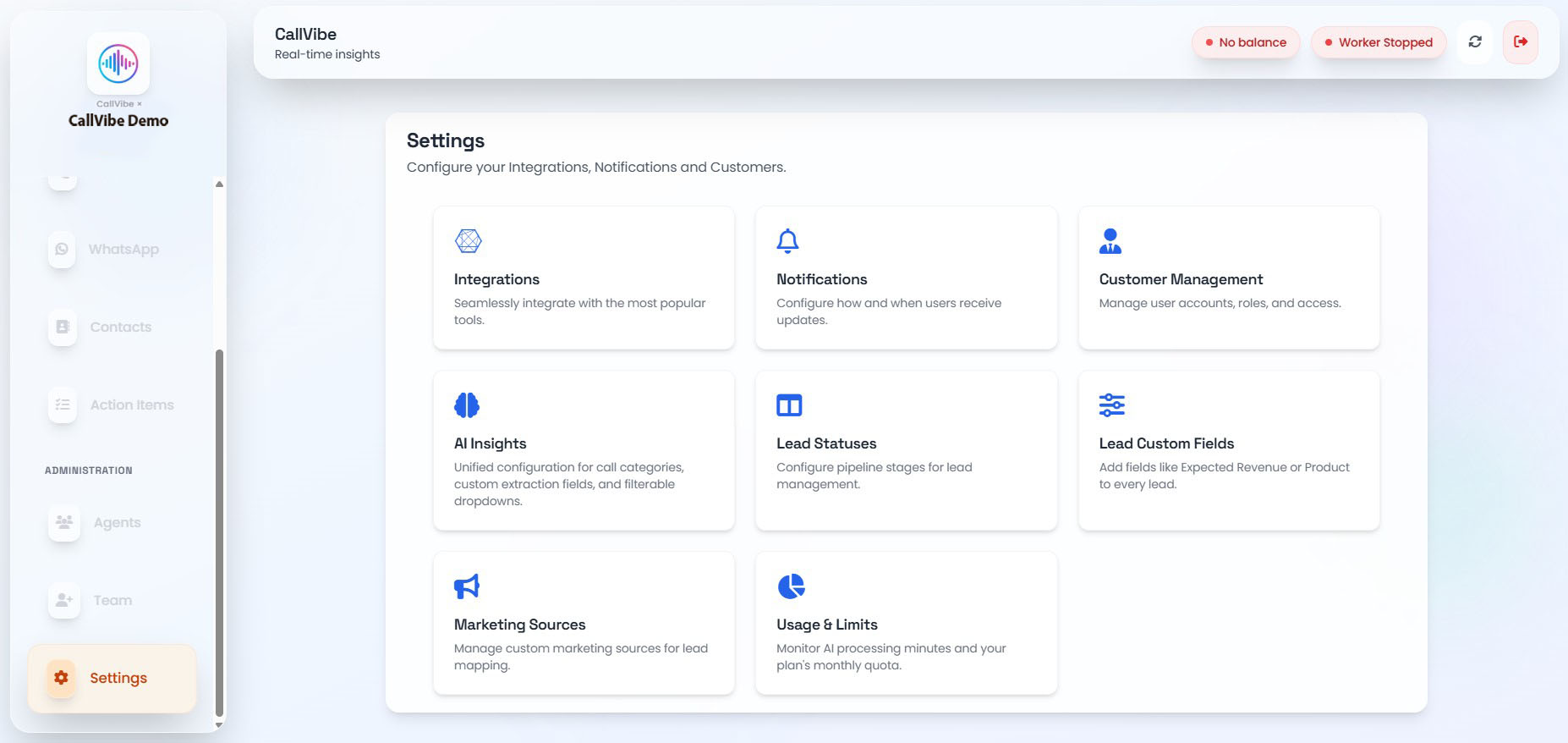
- Open Settings > Integrations.
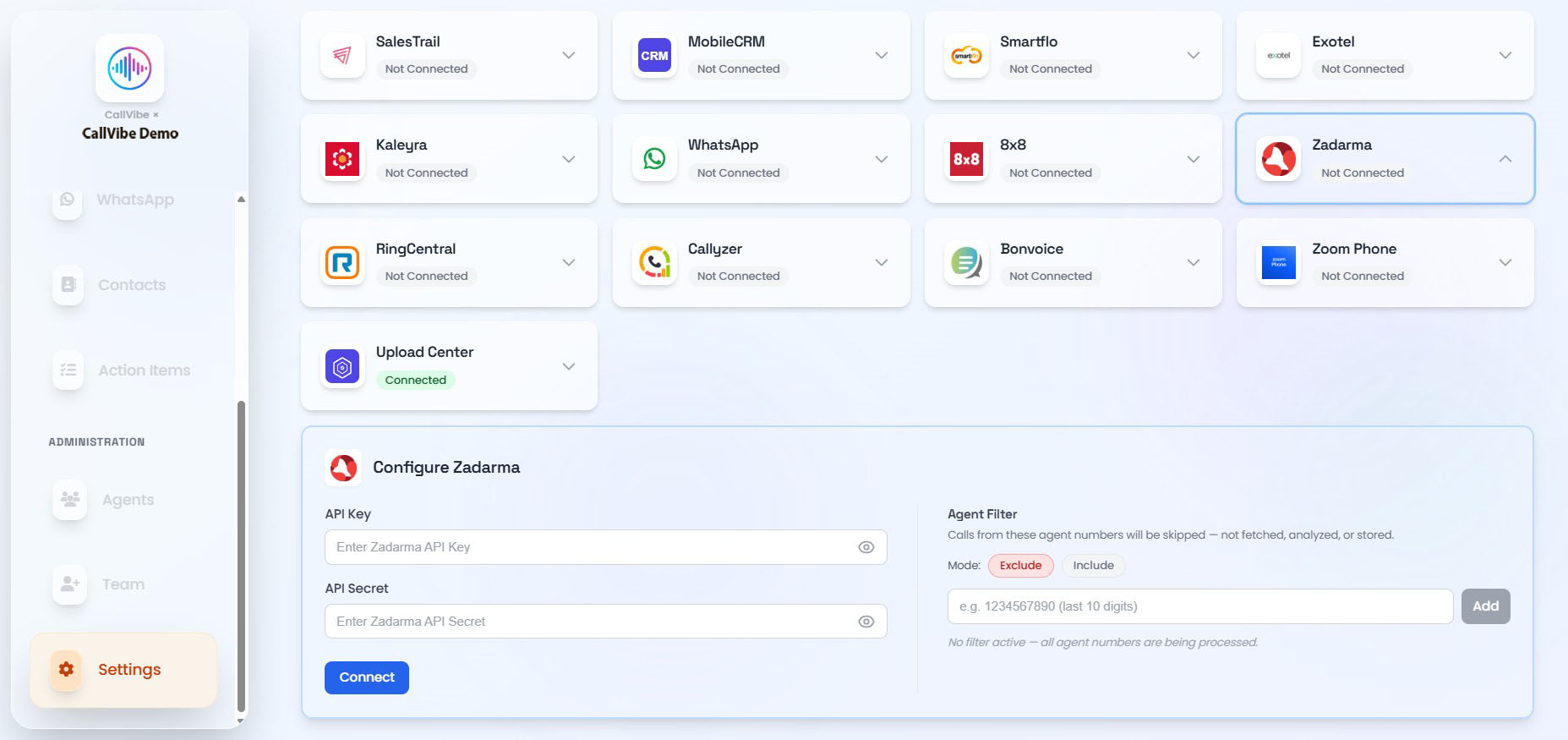
- Select Zadarma.
- Enter API key and API secret.
- Click Connect.
- Start worker.
Validation
tip
- Card status shows Connected.
- Worker remains running.
- Call ingestion is visible in Calls.