SalesTrail Integration
Required Credentials
- API key
Steps to Get Credentials
- Log in to your SalesTrail Call Analytics Dashboard at standalone.salestrail.io/login.
- At the top of the page, open the API documentation panel.
- Click Generate Pull API credentials.
- Copy the generated Username and Password immediately — the password disappears once you refresh or leave the page.
- Base64-encode
username:passwordand use that value as the API key in CallVibe.
Setup
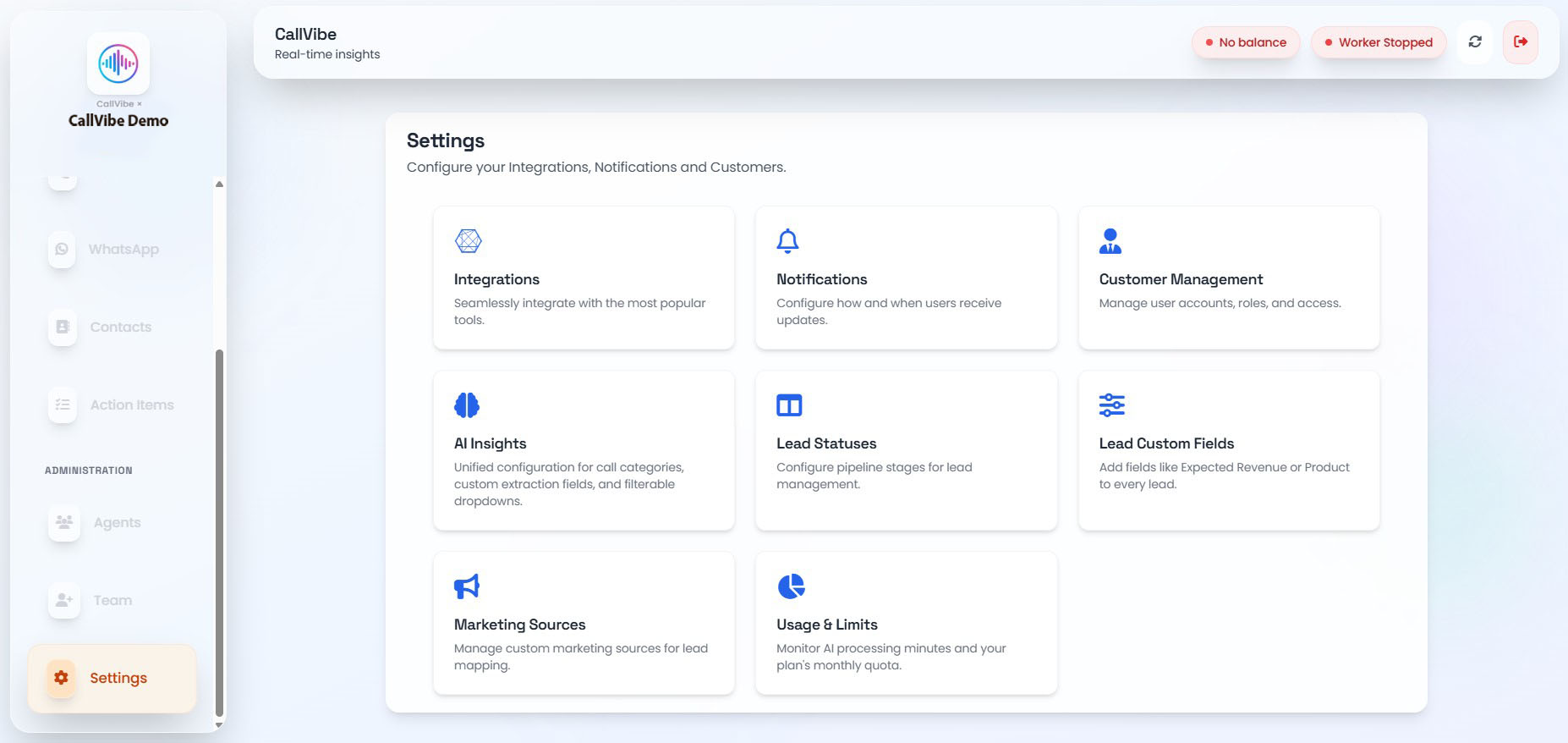
- Open Settings > Integrations.
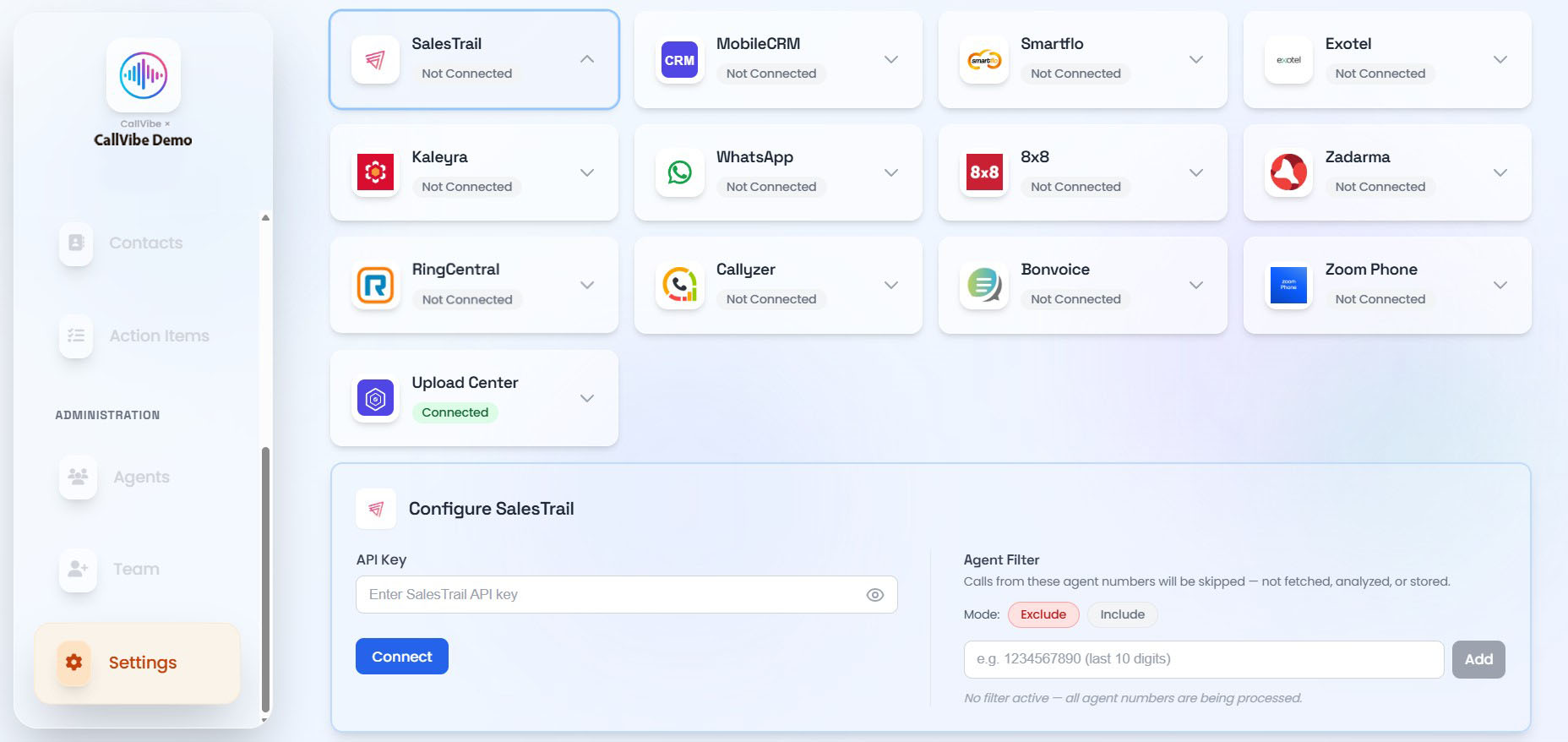
- Select SalesTrail.
- Enter API key.
- Click Connect.
- Start worker.
Validation
tip
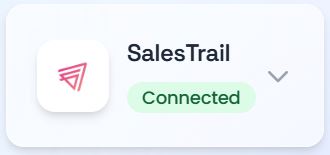
- Integration status shows Connected.
- Worker runs without provider error.
- New calls appear in Calls view.