Zoom Phone Integration
Required Credentials
- Account ID
- Client ID
- Client Secret
Steps to Get Credentials
- Go to marketplace.zoom.us and sign in with your Zoom account.
- In the bottom-left corner, click Developer.
- Create an app, give it a name, and copy the Account ID, Client ID, and Client Secret.
- Fill in basic app information (company name, developer name, contact email — any values are fine).
- Skip the Features step and continue.
- Under Scopes, add:
phone:read:list_call_logs:adminphone:read:list_call_recordings:adminphone:read:call_recording:admin
- Activate the app.
Setup
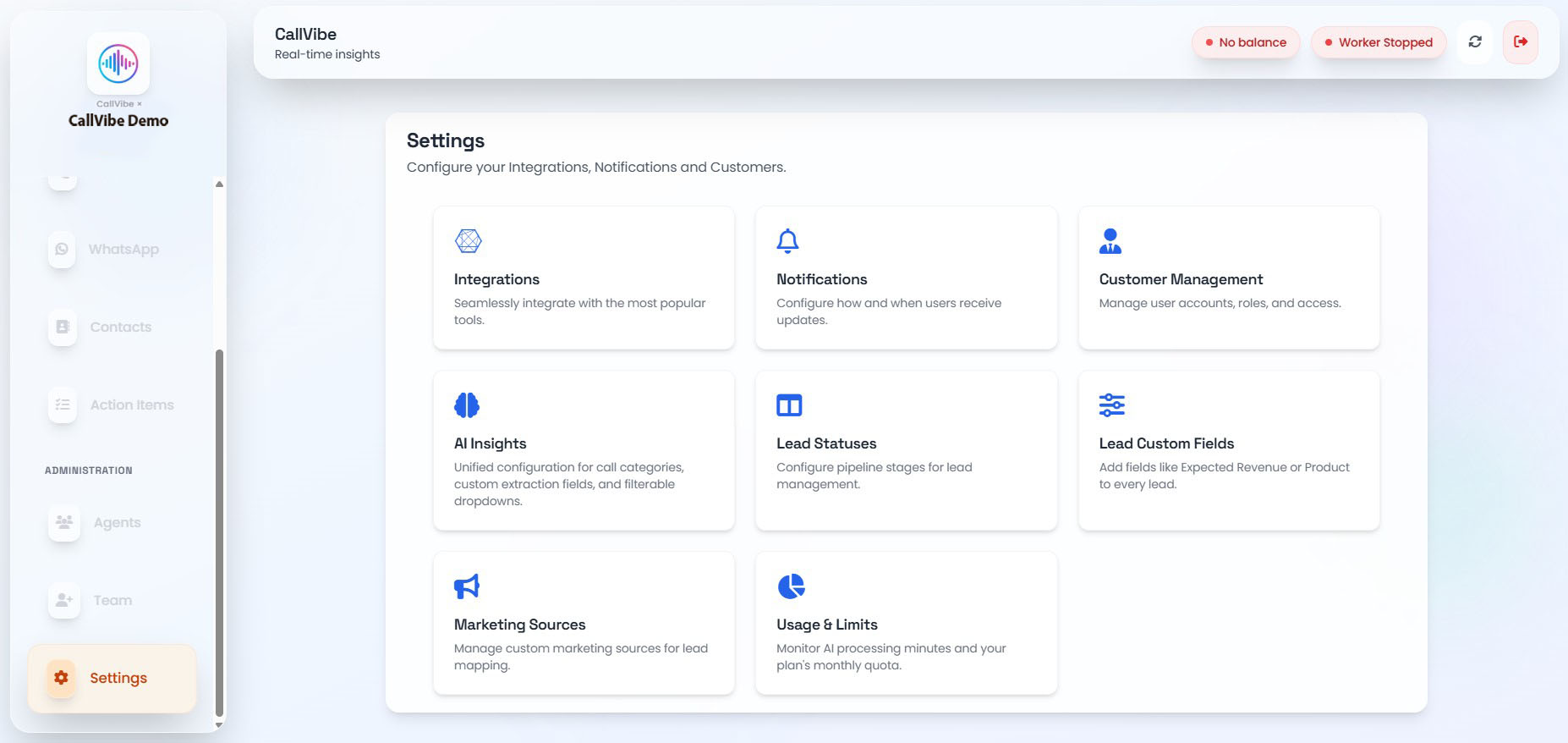
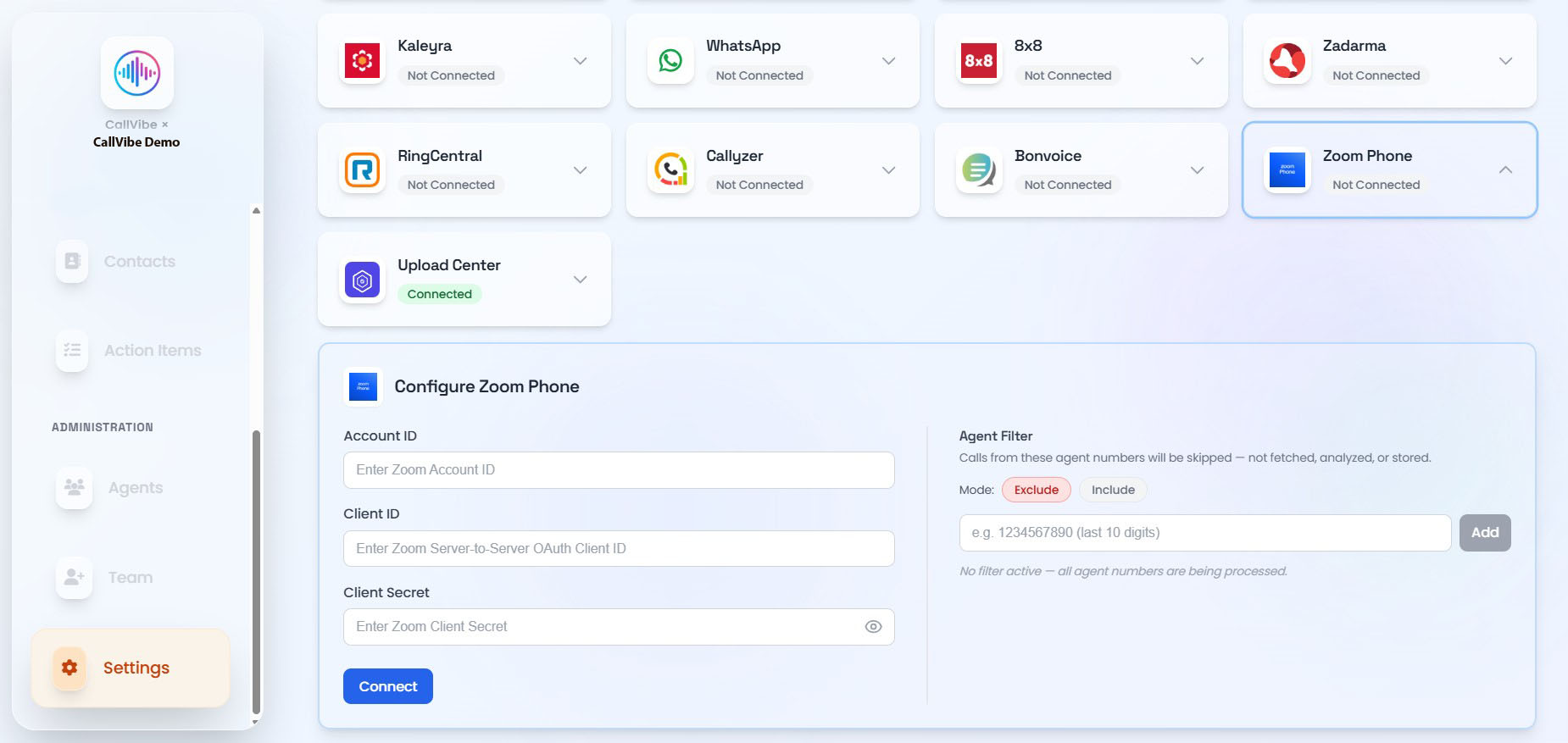
- Open Settings > Integrations.
- Select Zoom Phone.
- Enter Account ID, Client ID, and Client Secret.
- Click Connect.
- Start worker.
Validation
tip
- Zoom Phone status shows Connected.
- Worker remains running.
- Call ingestion is visible in Calls.