Kaleyra Integration
Required Credentials
- API key
Steps to Get Credentials
- Sign in to your Kaleyra Voice account at voice.kaleyra.com.
- From the left-hand menu, navigate to: Developers → APIs (or directly visit: https://voice.kaleyra.com/apis)
- Click + New to create a new API key, then click Save.
- An email containing your API key will be sent to your registered email address.
Setup
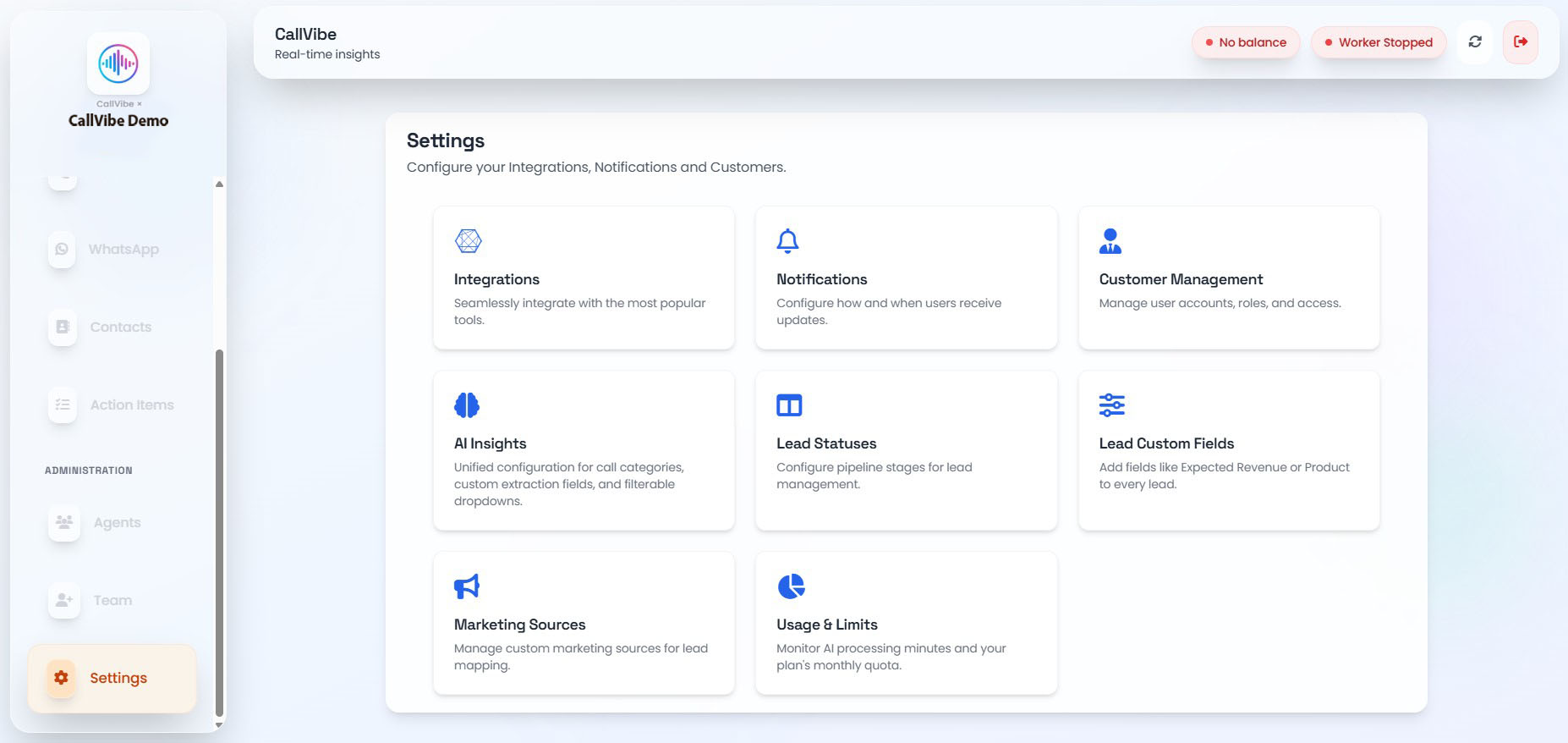
- Open Settings > Integrations.
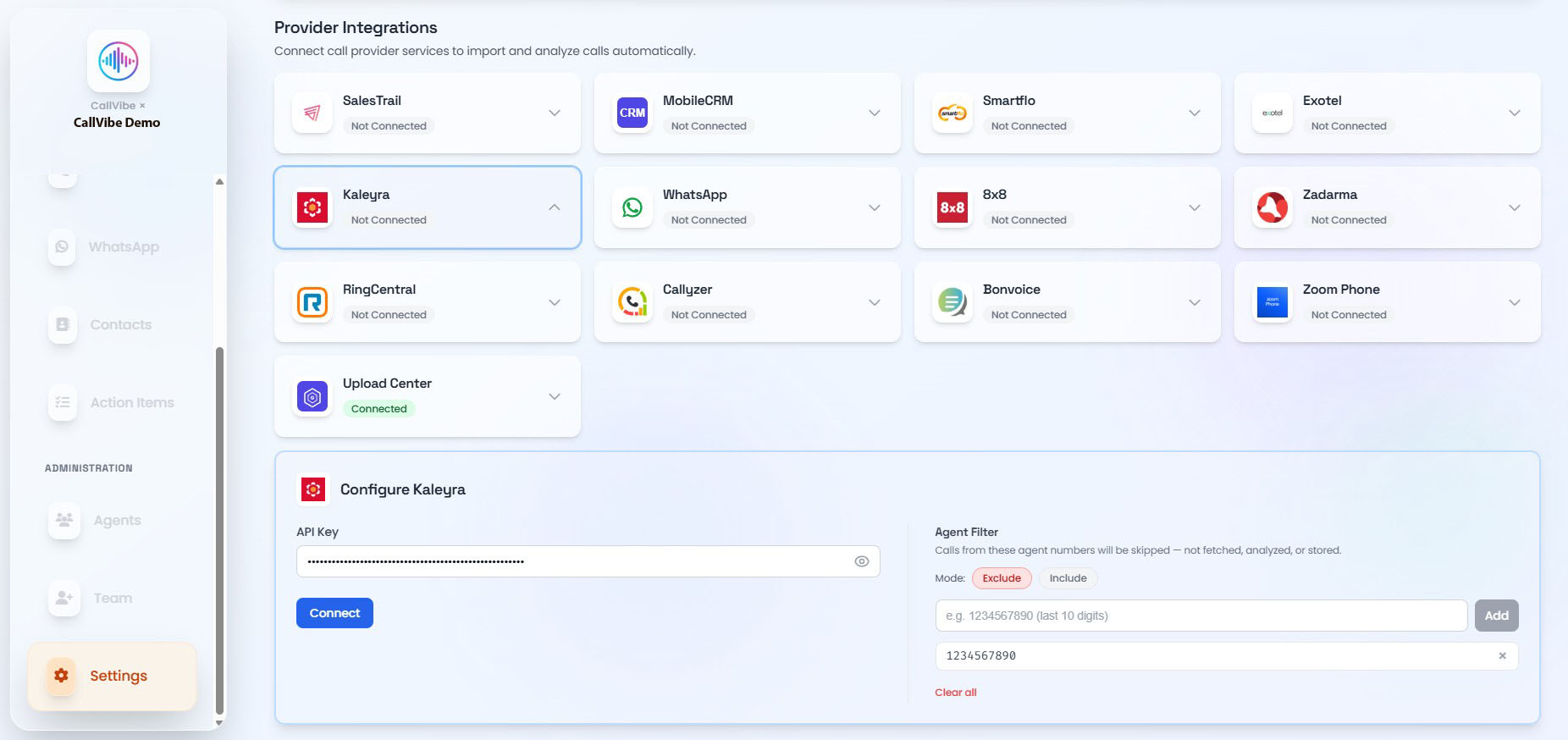
- Select Kaleyra.
- Enter API key.
- Click Connect.
- Start worker.
Validation
tip
- Card status shows Connected.
- Worker remains running.
- Call ingestion is visible in Calls.